Documentation
Keeping the graph true
Anyone can turn a sketch into code once. The question that matters in week three is whether the picture still describes what you have.
Three commands, all of them answering questions about your real code, all of them deterministic. Nothing here guesses, and nothing here needs a model.
`graph drift` — is the drawing still true?
Every node in the graph records the files it owns and a content hash for each. graph drift sends the graph from your folder — .vipl/graph.json, the one you committed — and the deployment compares every mapping against the project as it holds it.
| Answer | Means |
|---|---|
| in sync | Every mapped file is where the graph says, and its content hash matches |
| changed | The file is there and has been edited since the graph last agreed with it |
| gone | The graph names a file that no longer exists |
| unbuilt | A node with no code behind it yet |
It is meant to exit 1 when anything has drifted, which is what makes it usable as a gate on its own. See the note above for what it does today.
It needs a .vipl/graph.json to send. Run it in the linked checkout, or point it at one with --path; from an empty directory it has no graph to compare and stops with Project not found.
graph drift                                  # here
graph drift --path ~/code/my-app             # a checkout somewhere else
graph drift "Recipe Box"                      # a project by name, in its checkout
`graph health` — a defect scan that does not guess
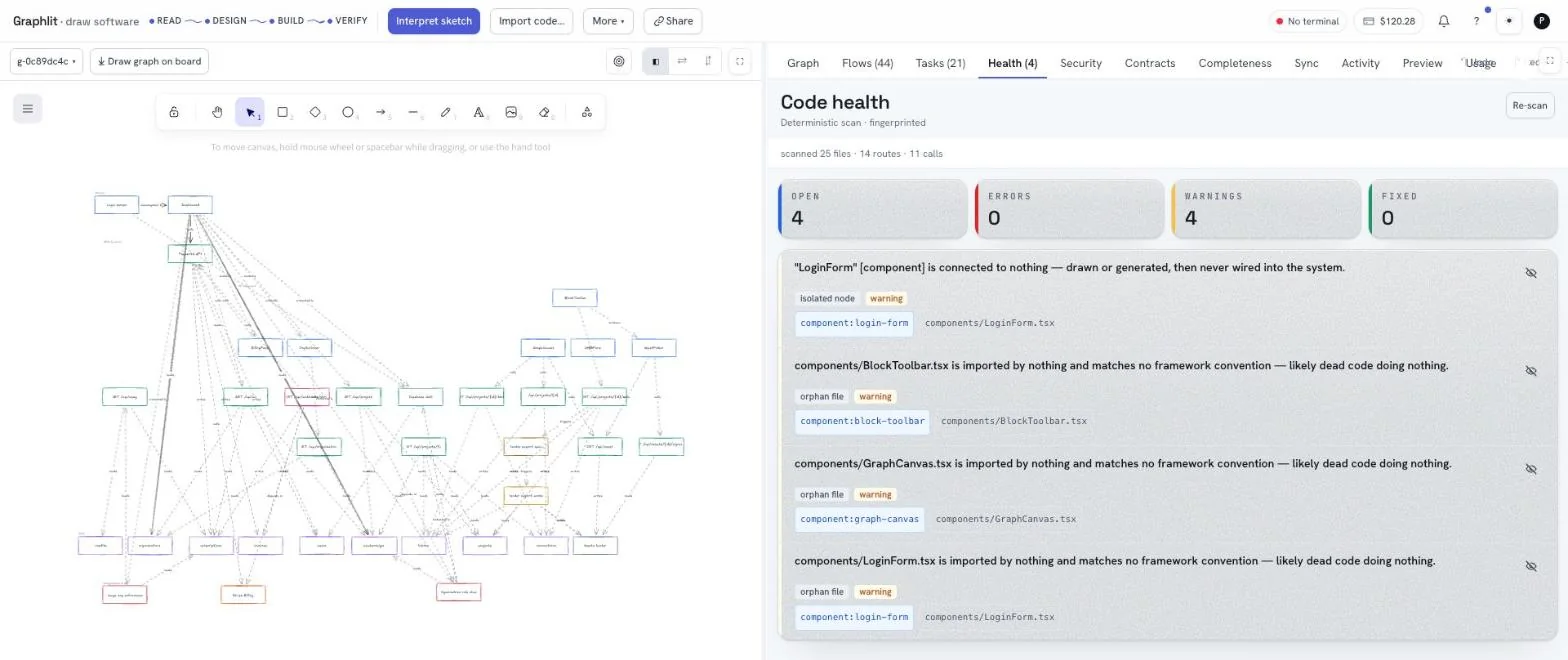
Nine kinds of finding, all from static analysis of the code and the graph together: a gate that is never called, a stub that skips the work it claims to do, two endpoints that collide, a table nothing reads, a node connected to nothing.
Each finding carries a fingerprint, kept in .vipl/health.json, so a finding you have already looked at stays recognisable across runs instead of arriving as new every time.
`graph check` — the gate
What a pipeline runs. It is health and drift together, with one exit code: it fails on a health error or on drift, and passes on warnings and notes — because a gate that fails on advice is a gate people turn off.
| Exit code | Means |
|---|---|
0 | Passed |
1 | Failed — a health error, or drift |
2 | Could not run — the deployment was unreachable, or credentials were refused |
Architecture contracts
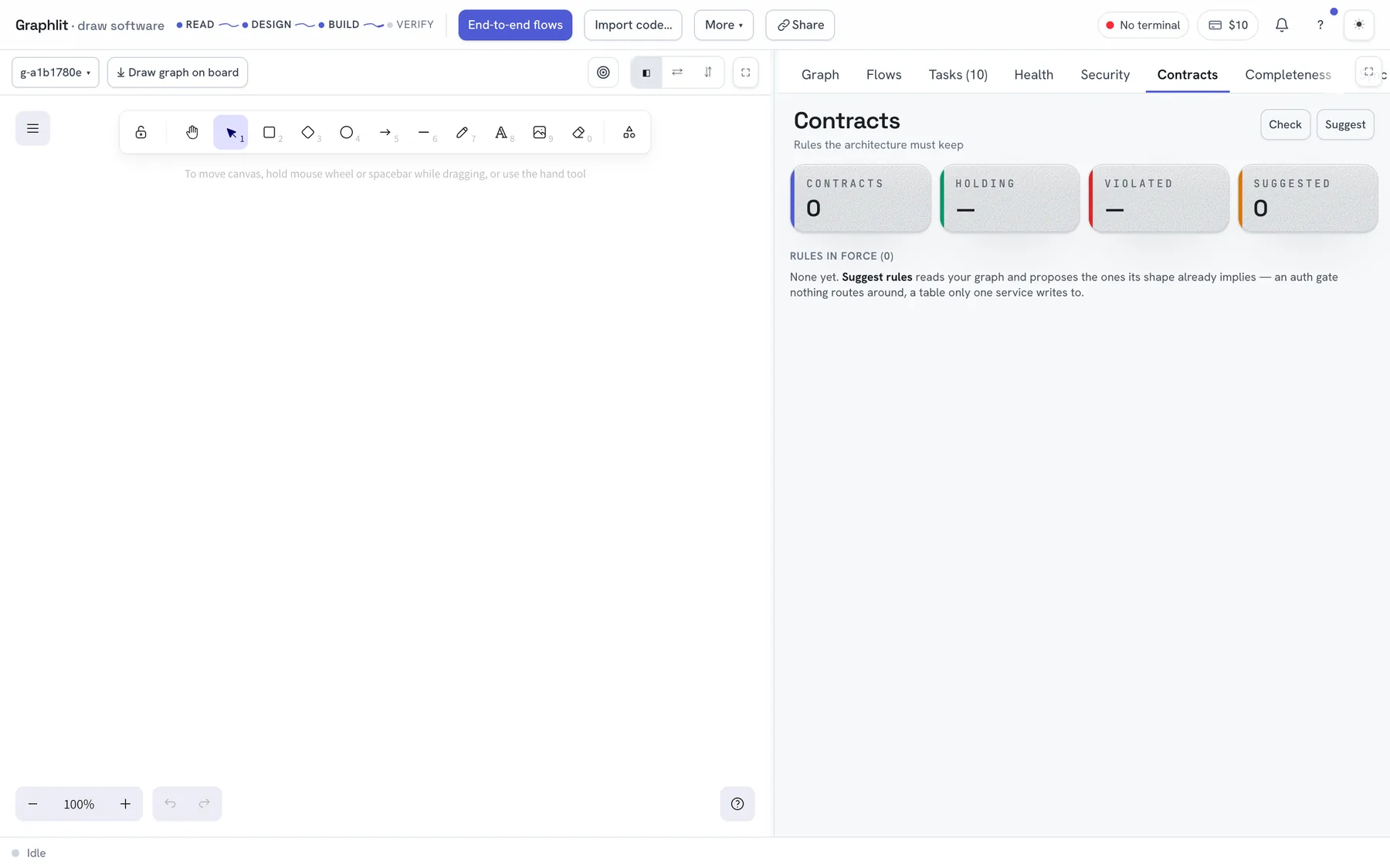
Drift asks whether the code matches the drawing. Contracts ask whether the drawing itself still obeys the rules you set on it — this table is only reached through that service, nothing calls the payments API directly, this layer may not import that one. They are checked against the real import and call graph, not against intentions.
When drift is right and the graph is wrong
Drift is not an accusation. Most of the time the code moved on purpose and the graph should follow. Re-import, or accept the change on the Sync panel, and the mapping is re-recorded at the new hash.
And because the files being hashed are the deployment's, the honest order of operations is: build, let the result land, then verify. Verifying in the middle of local work that has not been through a task tells you about the project as it stood before you started.
Per node there are only two honest options: accept the code as the new truth, so the mapping is re-recorded at the new hash, or rebuild the code from the graph. The Sync panel offers both.